Stop letting work bleed into your personal life.
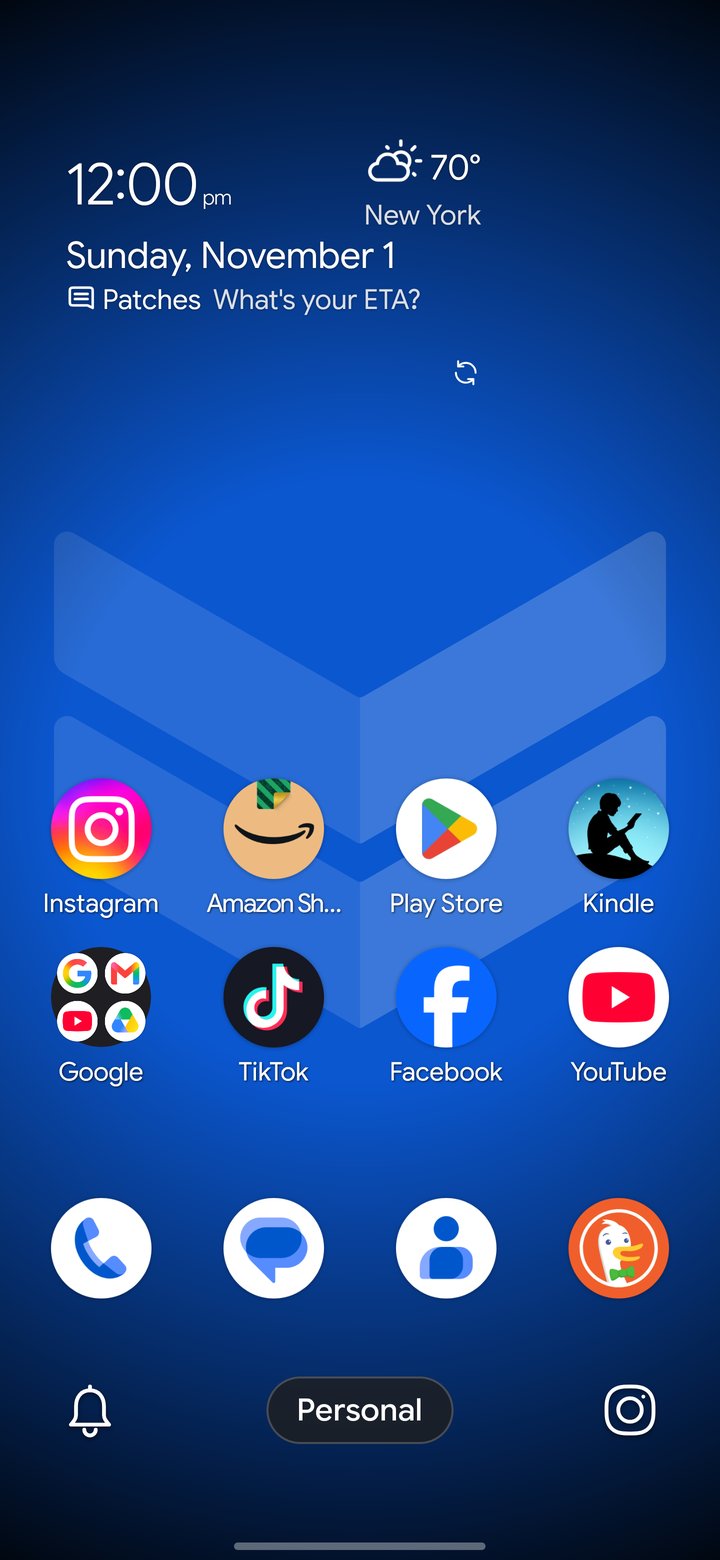
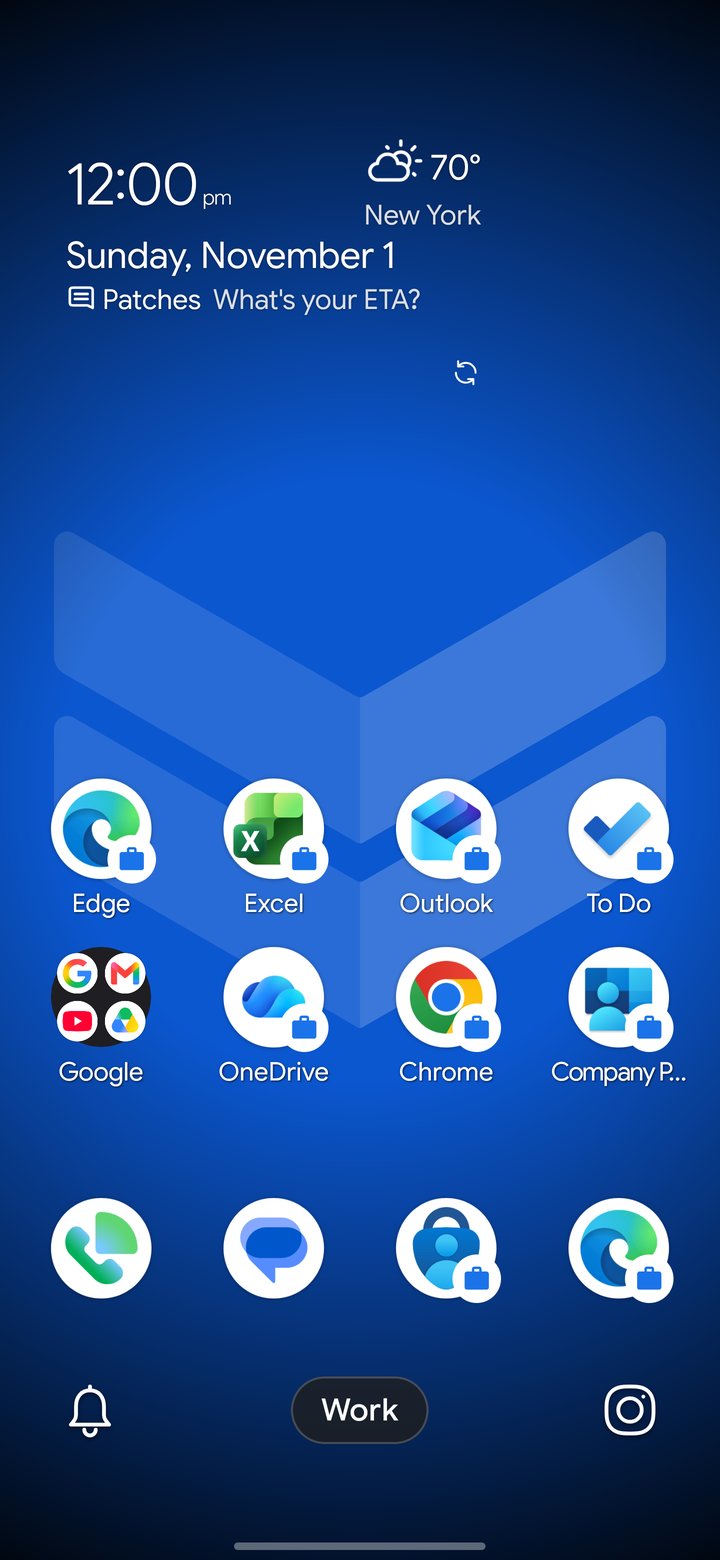
Lock in when it's time to focus, and leave work behind the second you clock out. DownShift gives work and personal life completely separate home screens, apps and notifications, so you can actually disconnect.
Get it on Google PlayTwo profiles, one phone
Don't settle for one experience when you need two to work hard and play hard.
- Separate your worlds. Set up your profiles independently and switch effortlessly with a tap or gesture.
- Hide what doesn't belong. Keep strictly work apps out of your personal space, and leave personal distractions behind when you're on the clock.
- Lock down off-hours. Secure your work or personal profile behind your fingerprint or screen lock the moment you step away.
Notifications that know their place
Block or allow notifications per profile using the DownShift settings or Android's own Zen Modes.
- Blocklist. Just like it sounds: block notifications from specific apps per profile, and allow the rest.
- Zen Modes. Android's native settings let you do the opposite: allow notifications from only the apps you want per profile, and block everything else out. Zen Modes also follow your Do Not Disturb settings, so the contacts you allow still get through.
- Recaps. See what you missed when you switch profiles, with a quick popup, so YOU can decide what's important.
The Silencer
Running into a virtual meeting or personal appointment and want to make sure you're not disturbed? Simply tap the bell, select a duration, and your phone's Do Not Disturb turns on. See the remaining time on your lock screen, home screen or notification shade. The best part: you don't have to remember to turn it off. Do Not Disturb turns off by itself when the time runs out.
Meeting running over? Add more time in 15-minute increments with a tap. Ending it early is just as easy.
DownShift Glimpse
A customizable widget that puts the information you want front and center... or top left, or bottom right. You get it: it's a widget, you can move it. (Date, weather and notifications are all optional.)
For your privacy, weather only uses an approximate location if you allow it (a general, city-sized area), or a custom location you set in the settings.
You choose which apps can show notifications in Glimpse, or turn them off altogether. Swipe through short snippets of your notifications, tap one to open the app, or tap the ⓧ to dismiss it without opening anything else.
Control Center and docks
The tools you need, where you need them.
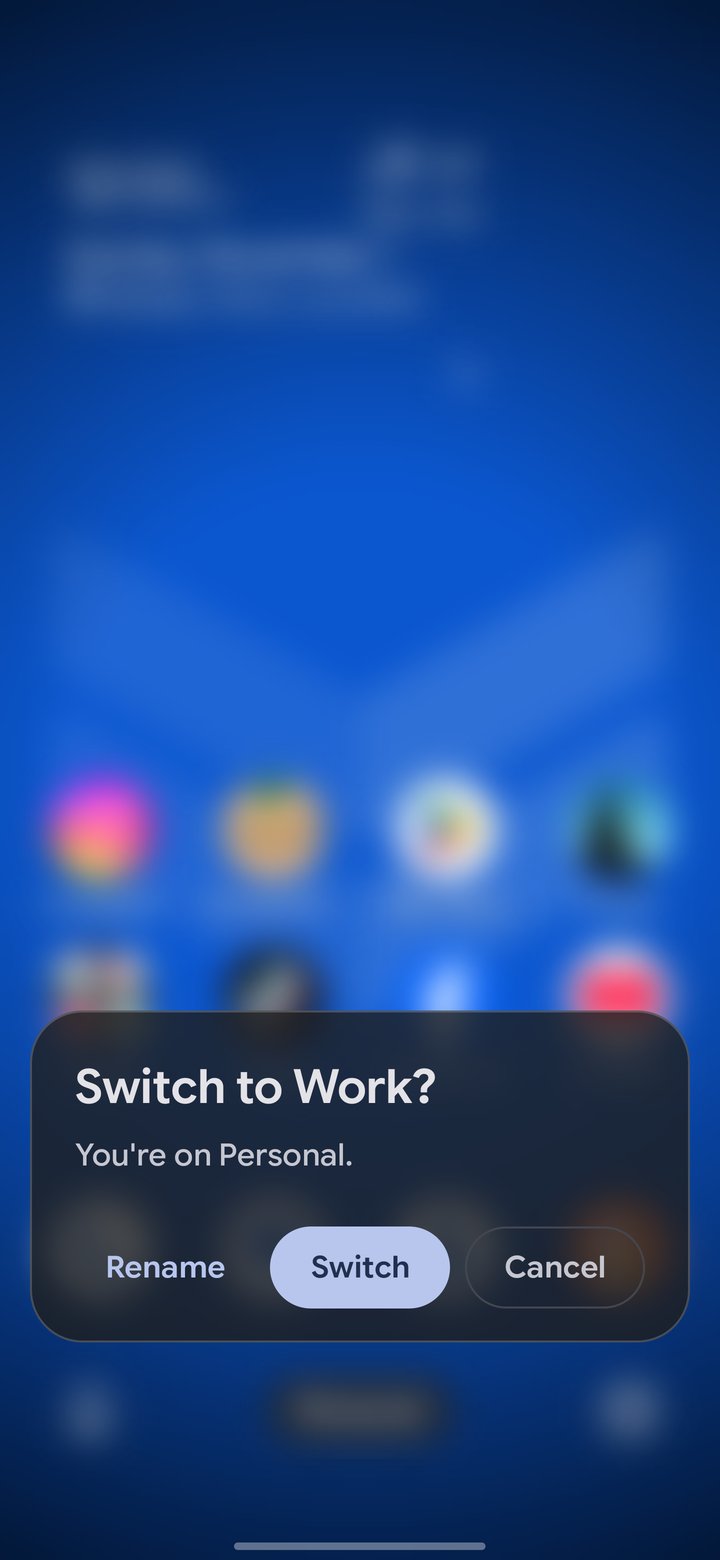
The Control Center gives you quick access to the Silencer, the DownShift Camera and the Profile Switcher, or whichever other apps you want in the left or right corners. More of a standard layout person? Swap the Control Center for a search bar in the settings.
Pro tip: You can customize the profile names too, even with emojis, and those names follow through to the settings screens.
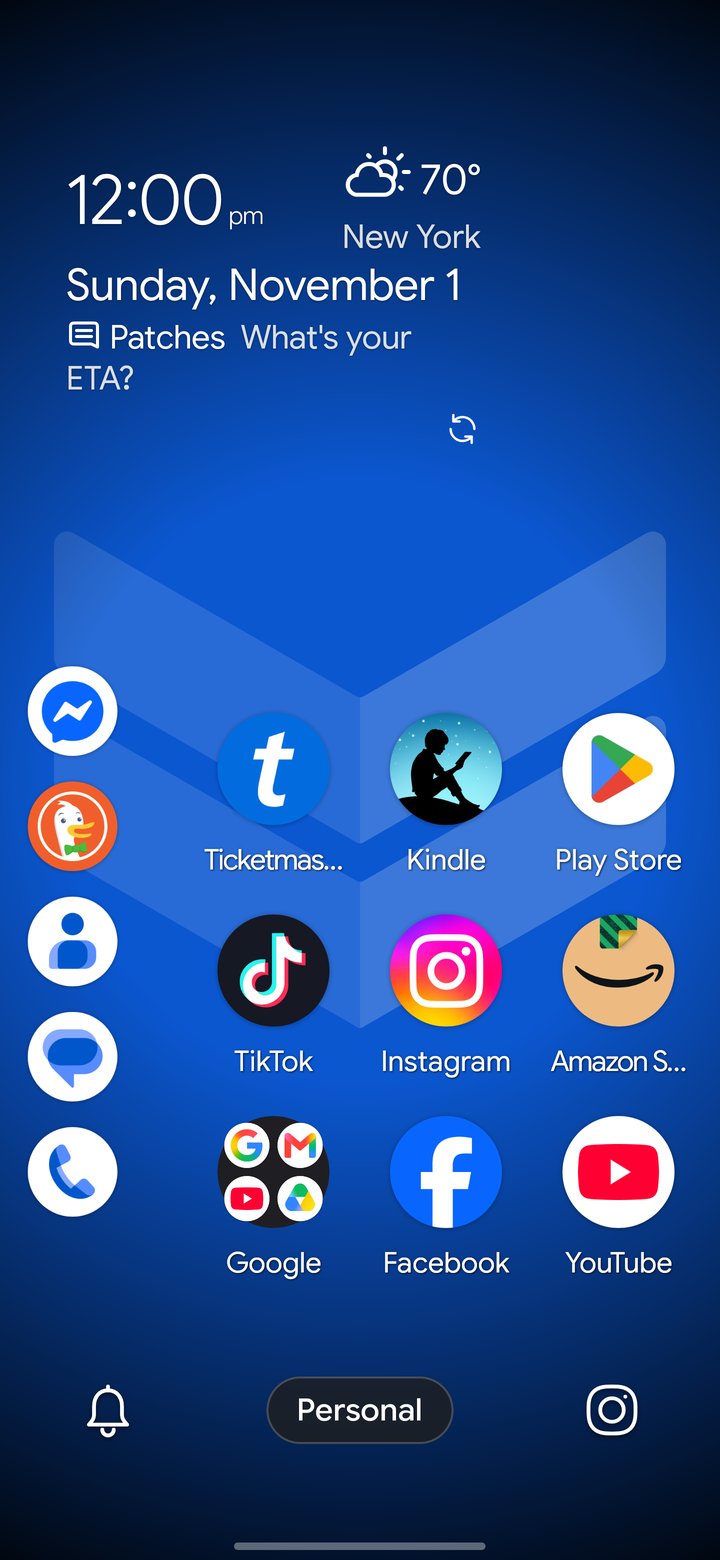
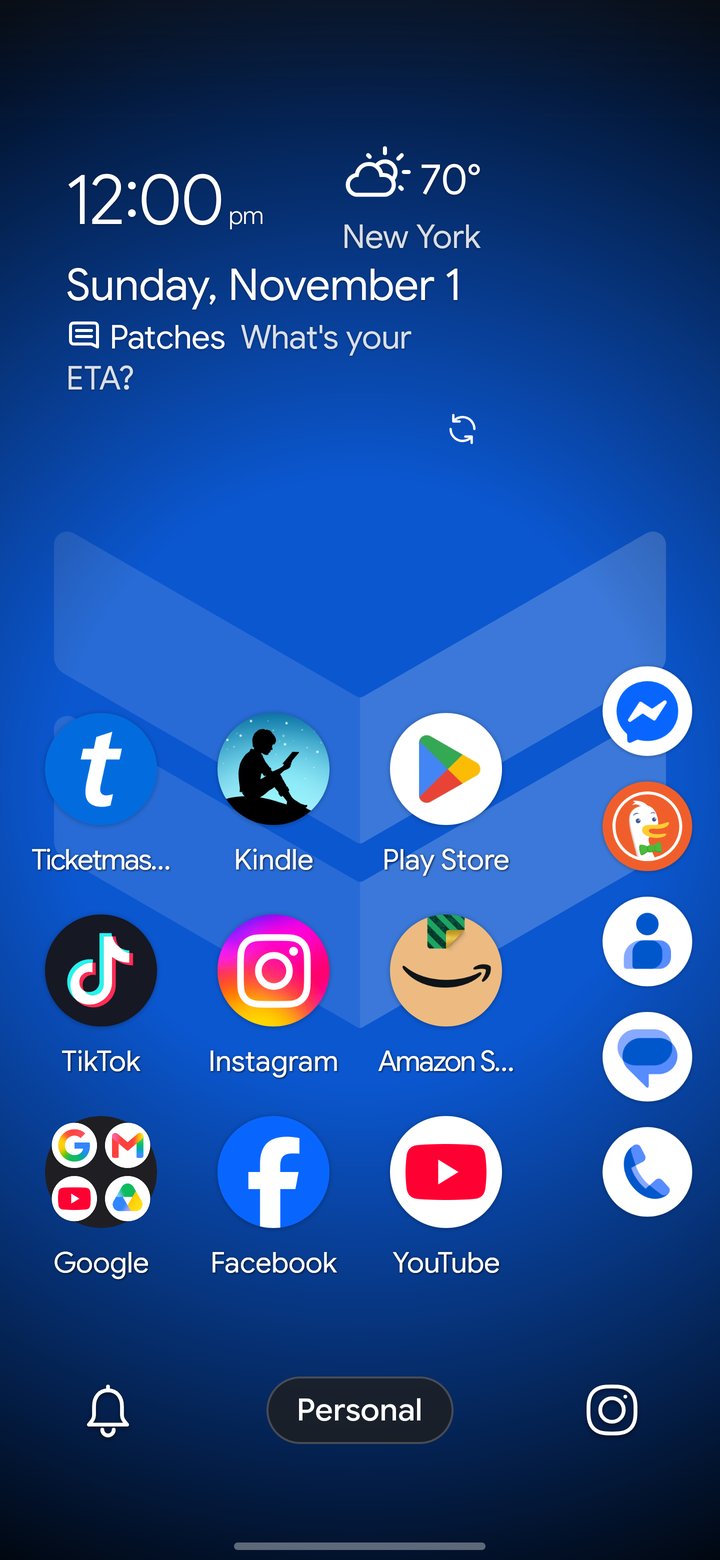
Choose the standard horizontal app dock above the Control Center, or a right- or left-handed vertical dock.
Stacks
Your app drawer, sorted.
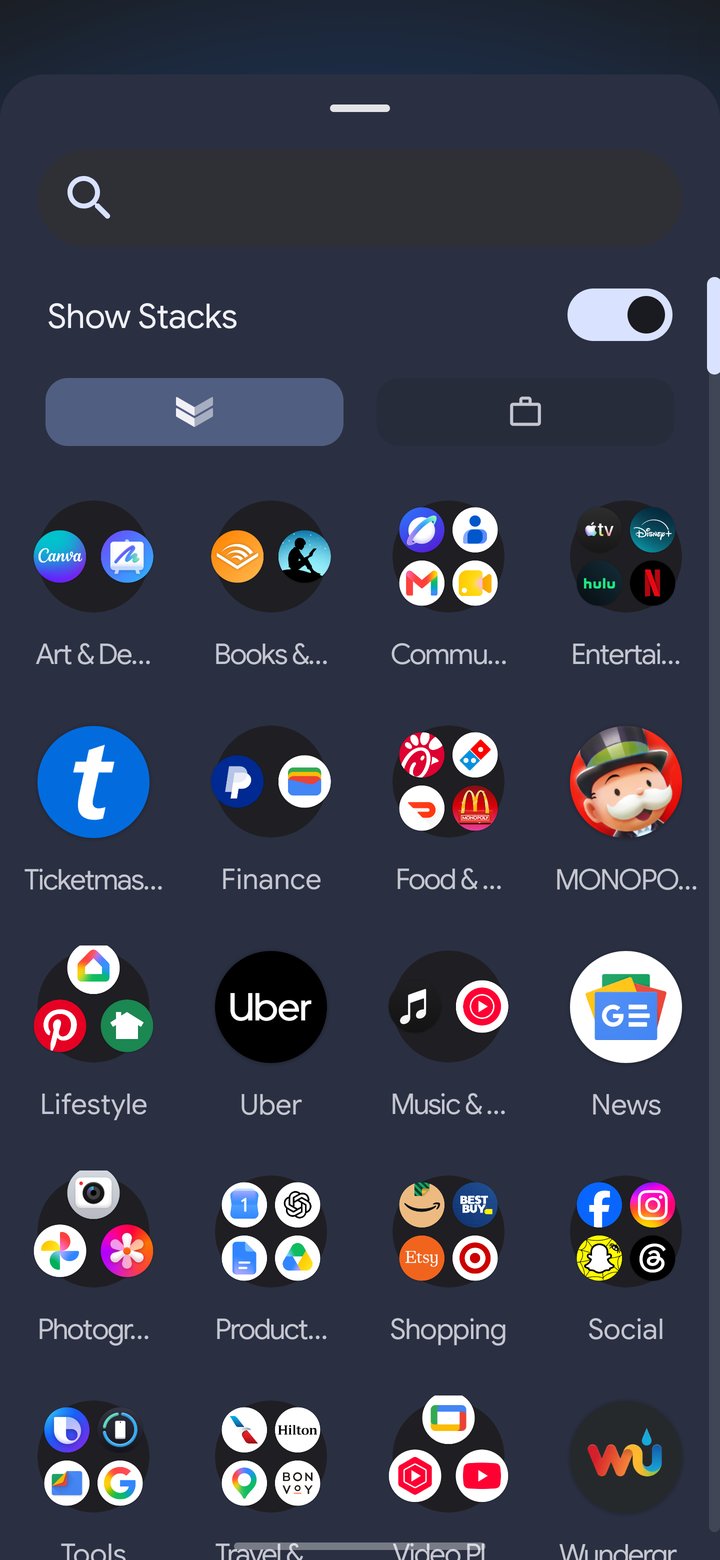
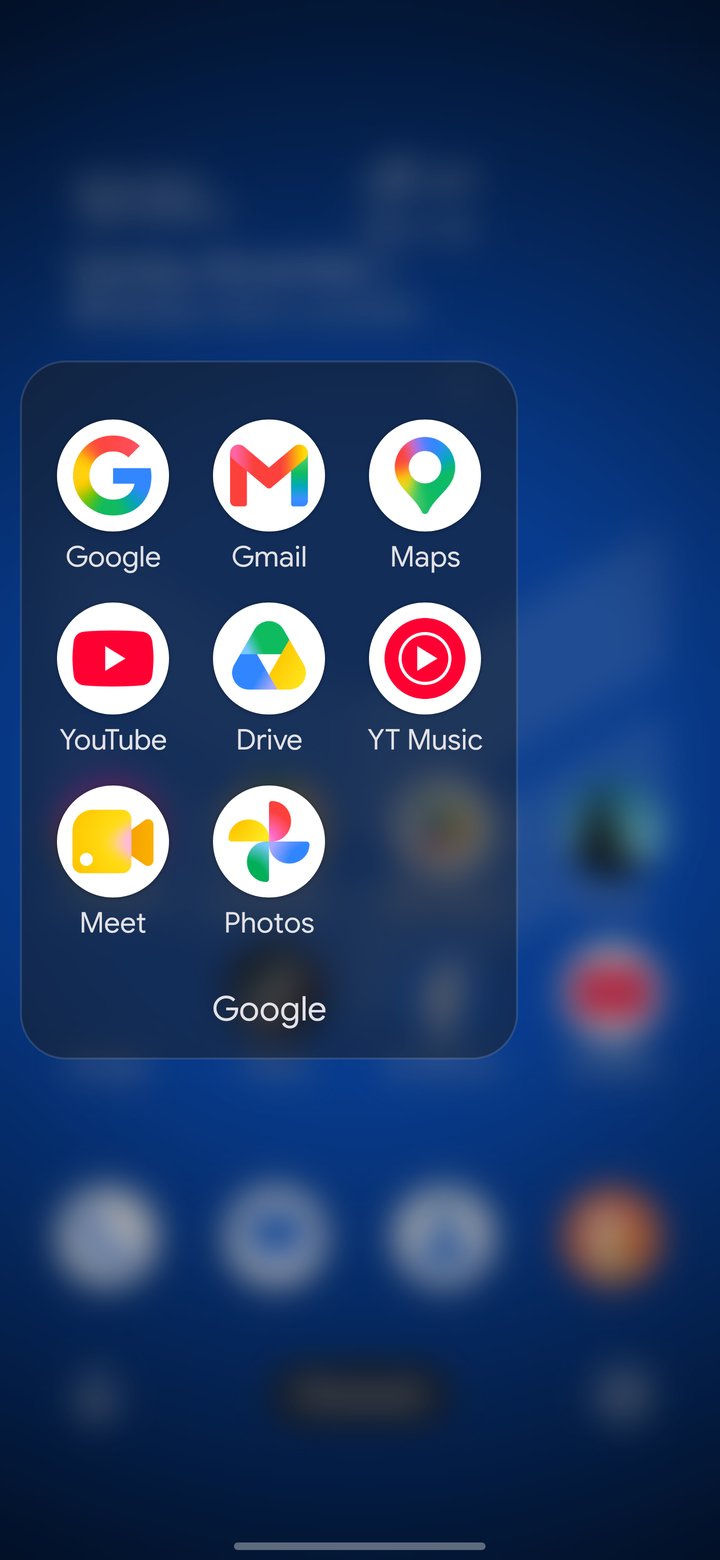
Turn on Stacks, and your apps are instantly sorted into folders by category: Social, Games, Finance, Shopping and more.
Like a folder you see in your Stacks? Drag it to your home screen just as it is.
Want to change how an app is categorized? Change it quickly in the settings, and DownShift remembers it, even if you turn Stacks off and come back to it later.
Make it yours
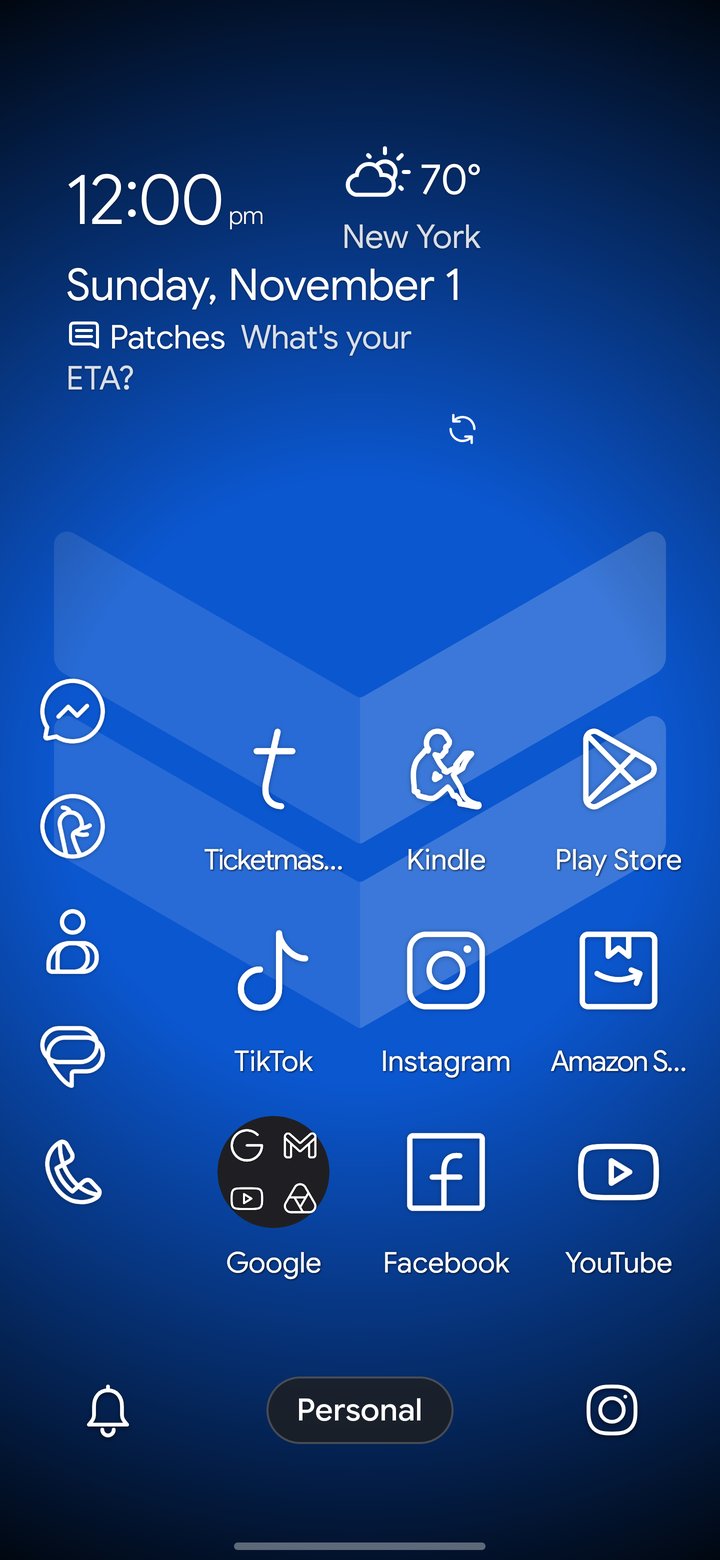
Change the look and feel of your phone, from fonts and color accents to transparency and more.
- Your layout. Change your grid and icon sizes, fonts and more.
- Icons. Lawnicons, the most beautiful set of minimalist icons around, comes pre-installed and ready to use.
- DownShift Camera. Tired of expense report receipts and work photos mixed in with your personal photos? Use the DownShift Camera to keep them out of your Gallery, safe in their own folder in your phone's storage.
See it in action
A walk through profiles, the Silencer, docks and settings.
Private by design
DownShift has no accounts, ads, analytics or tracking. Your layout and settings stay on your phone.
Weather
Weather service provided by either the National Weather Service in the U.S., or OpenWeather everywhere else.
Search
If you keep them on, search suggestions go to your chosen search engine.
Document scanner
The one exception: when you scan a document, Google's scanner sends Google anonymous diagnostics about the scanner. Your pages stay on your device.
The details are in the privacy policy. This website has no cookies or analytics.
Questions
Is this a second phone profile?
No. DownShift is a home screen launcher: both profiles share your apps and accounts, and it works alongside an employer's Android work profile.
Can I try it first?
Yes. Subscriptions start with a 14-day free trial of every feature. Google Play asks for a payment method at the start; cancel there within 14 days and you won't be charged.
How much does it cost?
DownShift requires a monthly or yearly subscription, or a one-time Lifetime purchase. Google Play shows the price for your country. Subscriptions renew until you cancel.
What happens if I don't subscribe?
With no subscription or purchase, DownShift locks when the trial ends. Your layout is kept.
Which phones and languages are supported?
DownShift requires Android 14 or later and is available in more than 80 languages.
Give work a place to stay when the day is done.
Focus at work, switch off at home.
Get it on Google PlaySubscriptions start with a 14-day free trial. Requires Android 14 or later.